A cloud kitchen owner in Kondapur showed us her August settlement report last year. Gross orders across two aggregator apps came to a little over ₹6.4 lakh. What actually reached her bank account was about ₹4.6 lakh. The difference ran to a dozen line items, and she admitted she’d stopped reading them sometime the previous year because they never changed and there was nothing she could do about them anyway.
What bothered her more, once we started looking, was something the report didn’t show. Around forty customers ordered from her every week. She recognised their names from the delivery slips. She had never spoken to any of them, had no way to reach them, and was paying the same commission on their fortieth order as on their first.
The apps aren’t the villain here. They do a genuine job of putting a new kitchen in front of strangers, and she’d have had no business without them in year one. The problem is narrower than that. It’s the repeat order, from someone who already knows exactly what they want, still going through a channel that charges you as if it had just introduced you.
Those orders belong on WhatsApp. This guide walks through what a direct ordering flow looks like message by message, how it differs for cloud kitchens, cafés and dine-in places, how to get orders into the kitchen without anyone retyping them, and how to switch over in four weeks without wrecking a Friday night.
What a ₹400 Order Actually Nets You on an Aggregator
Most restaurant owners can tell you their commission percentage off the top of their head. Far fewer have followed a single order all the way to the bank. Here’s a worked example for a ₹400 order, using the ranges aggregators are commonly quoted at in India. Your contract will differ (they nearly all do), so treat the table as something to fill in with your own numbers rather than as gospel.
| Line item | Typical range | On a ₹400 order |
|---|---|---|
| Platform commission | 18–30% of order value | ₹72–₹120 |
| GST on commission (18%) | on the commission line | ₹13–₹22 |
| Payment gateway charge | ~1.5–2% | ₹6–₹8 |
| Restaurant-funded discount | 0–20% (the “50% off” the app advertises is often partly yours) | ₹0–₹80 |
| Ads / promoted listing | optional, but hard to skip in a crowded pin code | varies |
So before you’ve paid for rice, a ₹400 order can land as ₹270 to ₹310, and it lands on the aggregator’s payout cycle rather than yours. Packaging is on you either way.
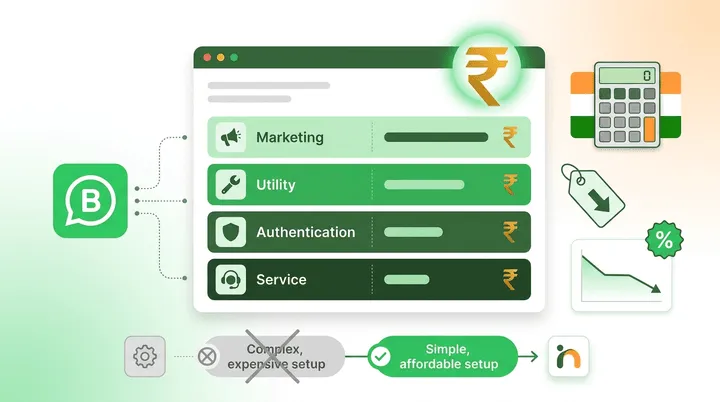
Run the same order through your own WhatsApp number and the picture changes. Meta charges nothing for a conversation the customer starts. The payment gateway still takes its 1.5–2%. The confirmation and status messages you send afterwards go out as utility templates at roughly ₹0.14 each. Call it ₹8 to ₹10 all in, and the money is in your account on the gateway’s T+1 or T+2 settlement.
That’s a gap of somewhere between ₹90 and ₹130 per order. With forty regulars ordering once a week, you’re looking at roughly ₹15,000 to ₹20,000 a month that was already yours and was simply leaking. And you can recover it without switching off a single app.
The Direct-Order Flow, Message by Message
An ordering bot has one job, which is to get a hungry person from “what do you have?” to “paid and in the kitchen” in as few taps as possible. Everything else is decoration. Here’s the version we’ve seen work, along with the WhatsApp feature that does the heavy lifting at each step.
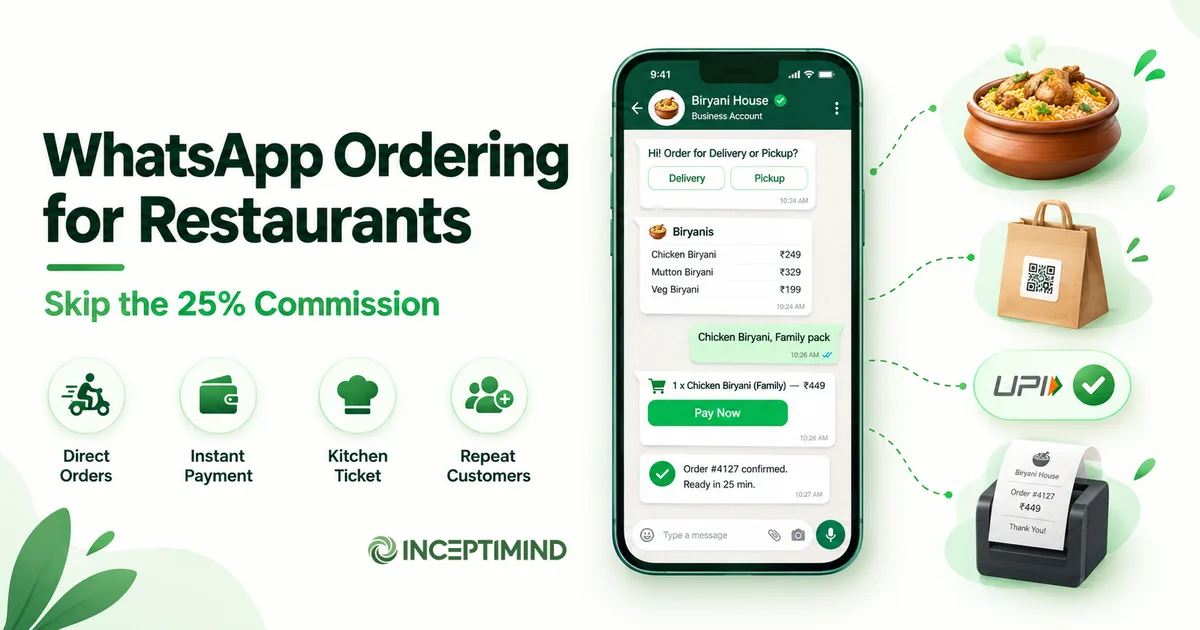
1. Entry. The customer taps a QR on the packaging or table tent, a wa.me link on your Instagram bio, or simply messages the number they saved last time. The bot replies within a second with two buttons: Order for delivery / Order for pickup. Returning customers get a third: Repeat last order.
2. Menu. WhatsApp list messages show up to ten items per section, so a biryani place shows Biryanis, Starters, Breads, Drinks as sections and the customer picks from a scrolling list rather than reading a PDF. If your menu runs longer than that, a WhatsApp catalogue with product cards and photos handles it, and the customer can add items to a native cart.
3. Customisation. After a pick, one quick-reply question: Regular or Family pack? Spice: mild / medium / hot? Keep it to one or two questions per item. Every extra question here costs you completed orders.
4. Cart and address. The bot reads back the cart with a total. For delivery, it asks for the address once and remembers it against the phone number. For pickup, it offers a ready-by time.
5. Payment. A Razorpay (or similar) payment link, right in the chat. UPI, card, wallet. The gateway fires a webhook when the payment lands, and nothing moves to the kitchen until it does. Regulars can be allowed Pay on pickup.
6. Kitchen ticket. The moment payment confirms, the order is pushed to wherever your kitchen actually looks. More on that below.
7. Status. Two utility-template messages: Order confirmed, ready in about 25 minutes and then Out for delivery or Ready for pickup. These matter more than they look. If the delivery partner has picked up the wrong bag, this is the message that gets the customer to notice while there’s still time to fix it.
8. After. One message the next day: How was the biryani? Reply 1–5. A 5 gets a Google review link. A 1 or 2 gets a human being, straight away, ideally the owner.
If you’ve built it tight, that’s about seven taps for the customer between opening the menu and paying. Order from it yourself on a real phone, standing up, before you show it to anyone. You’ll find at least one step you thought was obvious and isn’t.
Cloud Kitchens, Cafés and Dine-in: Three Different Bots
The flow above is the common part. What you add to it depends on what kind of place you run, and the differences are bigger than you’d expect.
Cloud kitchens make their money on the second, third and tenth order from the same person, so the Repeat last order button is the most valuable thing in the bot. Delivery radius is the other thing to get right early. Ask for a pincode before the menu and politely decline out-of-range orders before the customer has built a cart, because a declined cart feels like a rejection and a declined pincode doesn’t. If you run several brands from one kitchen, give each its own WhatsApp number. Mixing menus on one number confuses customers and muddles your reviews.
Cafés and bakeries do more pre-order business than most owners realise. A Pre-order for tomorrow path for cakes, party boxes or a dozen croissants by 8 AM, with a 50% advance collected through a payment link, quietly solves the “I asked for a photo cake and nobody wrote it down” problem that every bakery has lived through at least once. Daily specials go out as a short message to whoever has opted in.
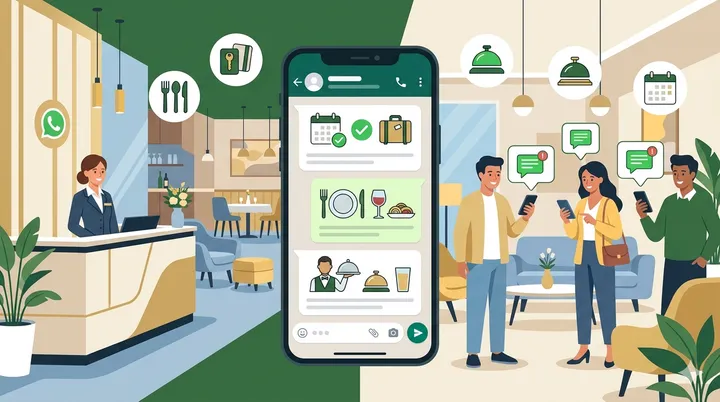
Dine-in restaurants want a different first question. A QR on the table opens the chat with View menu, Call a waiter, Get the bill. The ordering itself can still go through the bot for high-volume items (drinks, starters, a second round of naan) while the waiter handles the main order. Table reservations belong here too; the hospitality chatbot guide covers reservation flows in detail, so this post won’t repeat them.
All three need the same escape hatch. When someone types something the menu doesn’t cover, whether that’s “is the paneer tikka Jain?” or “my order is late”, an AI layer should answer from your own information or hand the chat to a person. A rule-only bot that replies Sorry, I didn’t understand to a hungry customer has just lost the order, and probably the customer.
Paying commission on your fortieth order from the same customer?
Inceptimind puts a menu, cart, payment link and order-status updates on your restaurant's own WhatsApp number, with an AI layer for the questions no menu covers. Plans from ₹399/mo, and Meta charges nothing for the orders your customers start.
Book a Free DemoThe Reorder Message Aggregators Can’t Send You
The aggregator never gives you the customer’s phone number. That’s not an oversight on their part. Once someone orders on WhatsApp, though, you have the number, along with what they ordered and when. Handle that carelessly and you’ll get your number blocked within a month. Handle it well and it’s cheaper and more effective than anything you could buy from the apps’ ad programmes.
Three rules keep you on the right side of both Meta and your own customers.
Ask before you promote. The first order is the natural moment to do it: Want a heads-up when we run specials? Reply YES. Store the answer. Only the YES list ever gets a promotional message. Everyone else gets order updates and nothing more. This happens to be what the DPDP Act expects of you as well, and it’s what keeps your quality rating green.
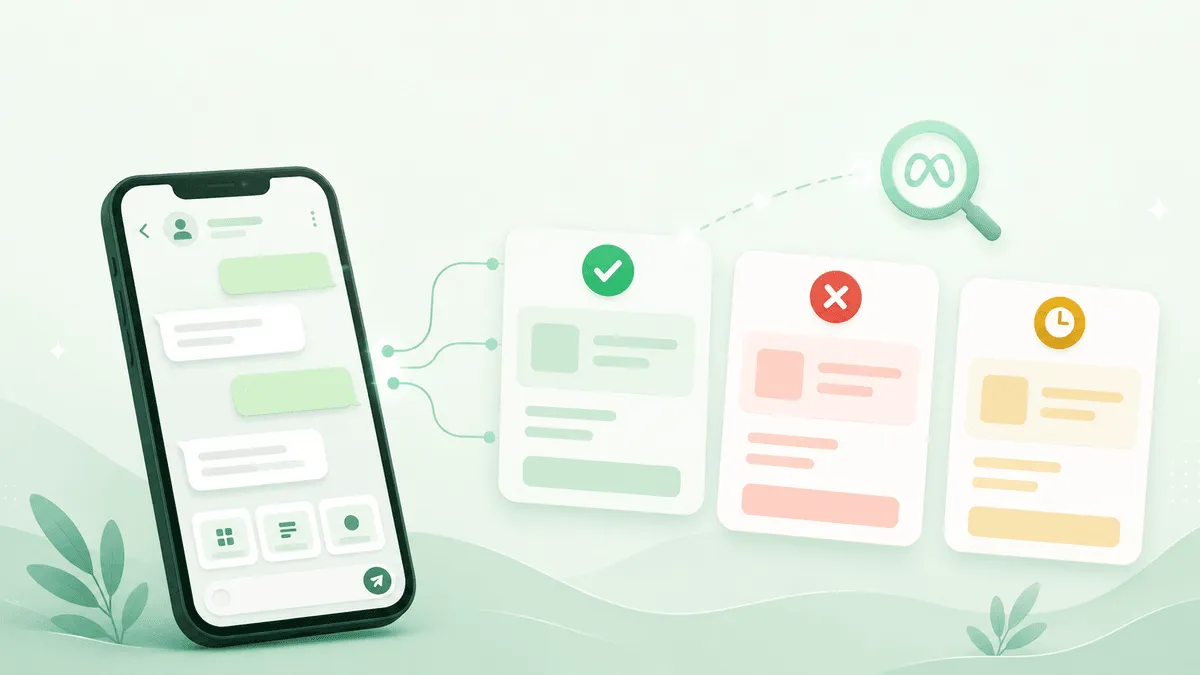
Know which template you’re sending. Your order is out for delivery is a utility template. Thursday biryani at ₹199, order now is a marketing template, priced higher and judged harder. Mixing them, or sneaking a promo into a “status” message, is one of the fastest ways to get templates rejected and ratings downgraded. The template approval guide explains the categories and the approved wording that passes review.
Send to fewer people, more precisely. A Sunday-morning nudge to the forty people who ordered on each of the last three Sundays will do better than a blast to everyone you’ve ever served. You already have the ordering data, so this is easy: It’s been two weeks since your last order. Your usual chicken biryani is one tap away. Because the bot knows what “the usual” is, the message can be a single button rather than a menu.
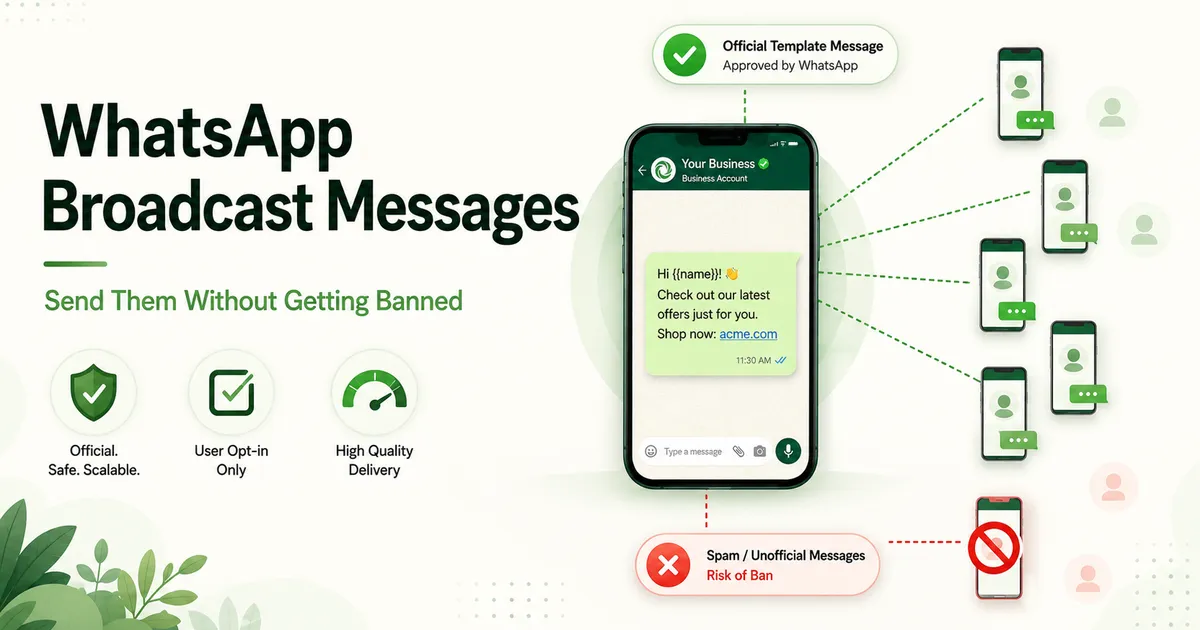
How many you send at once matters as much as what you say. If you plan to message more than a few hundred people in one go, read how to send WhatsApp broadcasts without getting banned first. Everything in it applies to restaurants. We’ve watched a kitchen lose its number the week before Diwali, and there is no worse week for it to happen.
Plugging the Bot Into Your Kitchen
In most kitchens the ordering flow breaks at one specific point. The order arrives on a phone at the counter and somebody has to read it out or retype it. Items get dropped, the kitchen slows down, and you’ve rebuilt the very problem you were trying to remove. Pick one of the following on day one and move up the list when volume forces you to.
- POS with an API. Petpooja, Posist and most of the current restaurant POS systems will accept orders programmatically. The bot posts the order as a webhook payload the moment payment confirms, and it shows up on the kitchen display exactly like an aggregator order would. This is where you want to end up, and it’s usually an afternoon’s work to set up.
- Kitchen printer via webhook. A small cloud-connected thermal printer that listens for a webhook and prints the ticket. Nothing changes in your POS. Kitchens that already run on paper tickets tend to find this the least disruptive option of all.
- Google Sheet. Every order becomes a row with a timestamp, items and status, and the counter keeps the sheet open on a tablet. It isn’t elegant. It does work, up to perhaps fifty WhatsApp orders a day, and you get a clean order history out of it for nothing.
- Kitchen WhatsApp group. The bot forwards the formatted ticket into an internal group. Takes five minutes to set up. Perfectly fine for week one, and you’ll be cursing it by month three.
Whichever you choose, two things need to be in place. Every order needs a short, readable order ID that the customer can also see, so that where’s my order 4127? gets answered in seconds. And any message containing a complaint word (late, wrong, cold, missing, refund) needs to go straight to a person, with the full order attached, rather than back into a menu.
The Four-Week Switch-Over Plan
Resist the urge to announce a “new ordering system”. Move one order type at a time and let the customers you already have do the spreading.
Week 1: Pickup only, paid on collection. Load the menu and build the flow, but don’t connect anything to the kitchen yet. The counter reads orders off a phone or a Sheet. Hand the number personally to your ten most regular customers and ask them to order lunch through it for a week. Fix every place they get stuck, and expect there to be several. Volume doesn’t matter yet.
Week 2: Payment link and delivery. Switch on Razorpay, add the address step, set your delivery radius. Stick a small “Order direct, skip the app markup” label with the QR on every aggregator order that leaves the kitchen. Some of those customers will try it. They’re exactly the people you want, because they already like the food.
Week 3: Kitchen connection and status messages. Wire the webhook to the POS or printer. Submit the two utility templates (confirmed, out for delivery) for approval and allow a couple of days for Meta to come back. Watch where orders stall. In our experience it’s nearly always the customisation step, and the fix is asking fewer questions.
Week 4: First reorder campaign. By now you should have a few hundred numbers with an opt-in answer against each. Send one marketing message, to the YES list only, with the Repeat last order button. Count who orders. This is also the week to put the QR on table tents, the bill folder and the Instagram bio.
By the end of the month the bot should be handling pickup, delivery, payments and status updates, and you’ll have your first reorder numbers. The aggregators stay on throughout. You’re not leaving them, you’re just stopping them from taking a cut of your regulars.
Numbers Worth Watching After Month One
Five numbers will tell you whether this is working. Put them on one sheet and look at it every Monday.
- Direct-order share. WhatsApp orders as a percentage of all orders. The trend matters more than the figure. A few percent in month one that doubles in month two is what you’re hoping to see.
- Commission recovered. Direct order value multiplied by your blended aggregator take rate. This is the number that justifies the whole exercise, and the one to show a partner or a bank manager.
- Reorder rate. The share of WhatsApp customers who order again within 30 days. WhatsApp should beat the apps comfortably here, because for once you’re the one sending the reminder.
- Order completion rate. Of the people who opened the menu, how many paid? If it’s below about half, either the flow has too many steps or the payment step is confusing people.
- Average order value, WhatsApp vs aggregator. Direct customers often order a bit more once there’s no delivery-fee threshold nudging them into odd baskets. If yours comes out lower, check whether the bot is offering add-ons at the cart step.
If you have the patience for a sixth, track how many complaints reach a human and how long that takes. A good bot keeps both small. A bad one buries complaints three menus deep and calls it efficiency.
The First List to Build
Open last month’s aggregator report and count the customers who ordered from you more than three times. That’s your first WhatsApp list. A QR sticker on their next delivery bag is most of the launch plan. Start with pickup orders, add payment links the week after, and leave the apps running for the people who haven’t found you yet.
The Kondapur kitchen, for what it’s worth, moved about a third of its weekly orders onto WhatsApp over the following four months. The apps still bring in new customers every week. They just don’t get paid twice for the same ones anymore.
If you’d like to see the flow running on a real number with your own menu loaded, book a free demo and we’ll build it around whichever order type you want to move first. And if you want to understand what each message type costs before committing, the WhatsApp Business API pricing guide for India has the current rates and worked monthly examples.